Description:
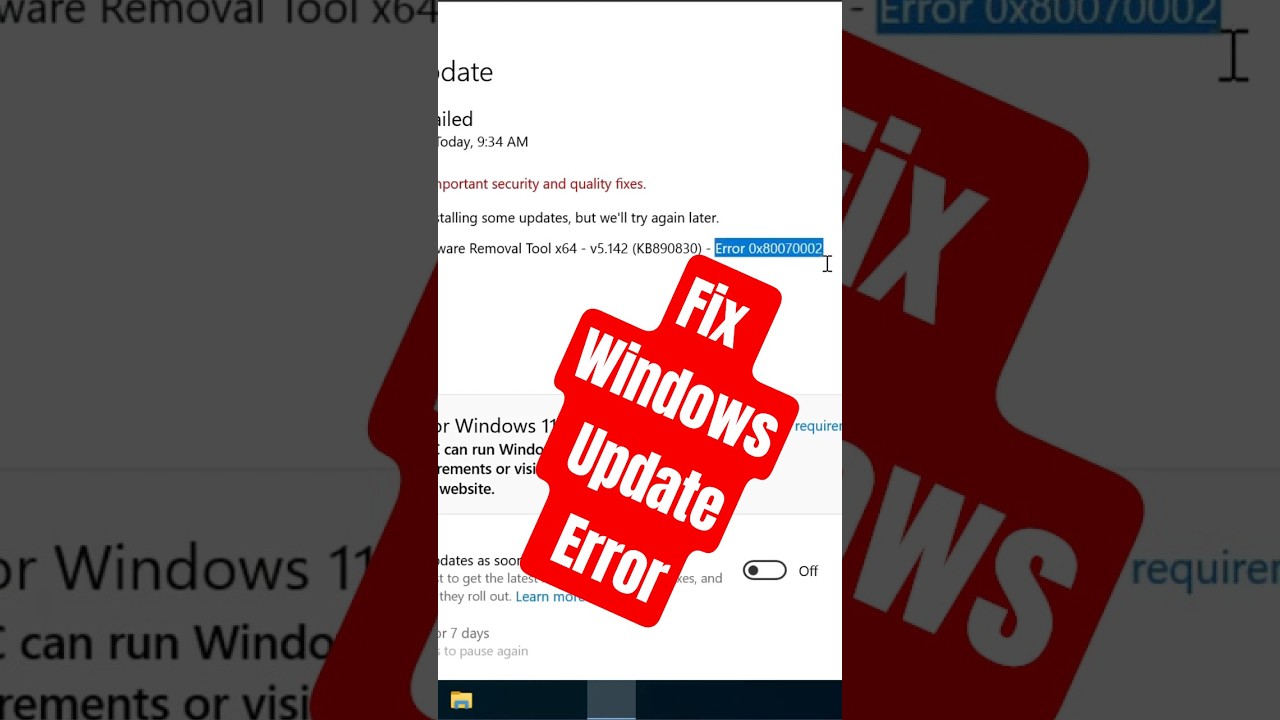
Is your Windows 11 PC stuck at 100% Disk Usage even when it's idle? If apps take forever to open, Windows freezes, or your PC feels unusually slow, this updated 2026 guide will help you fix it.
In this video, I'll show you the most effective fixes that actually work today, including how to identify the real cause using Resource Monitor, the advanced **MSI Mode** fix that has solved the issue for many users, and when it's time to upgrade from an old HDD to an SSD.
MalwareFox Antimalware Download- https://www.malwarefox.com/
⏱️ Timestamps
00:00 Intro
00:26 Fix 1- Find What's Causing High Disk Usage
01:31 Fix 2- Disable Startup Apps
02:01 Fix 3- Disable SysMain
02:31 Fix 4- Disable MSI Mode (Advanced Fix)
04:00 Fix 5- Test Windows Search
04:29 Fix 6- Update Storage Drivers
04:52 Fix 7- Repair Windows Files (SFC, DISM & CHKDSK)
05:22 Fix 8- Reset Virtual Memory
05:51 Fix 9- Check Drive Health
06:11 Fix 10- Scan for Malware
06:39 Bonus- Upgrade from HDD to SSD
If this video helped...
Leave a comment and let me know **which fix worked for you**. If Fix 4 solved your problem, mention it—it helps other people find the right solution much faster.
**Subscribe for more Windows 11 tips, troubleshooting guides, and PC performance fixes.**


















Share this link via
Or copy link