Description:
Learn how to write a first SQL query using SELECT and FROM, then use WHERE to filter rows and ORDER BY to sort results.
This beginner SQL tutorial explains what a database table is, how to choose columns, and how to run a query in SQL Server Management Studio.
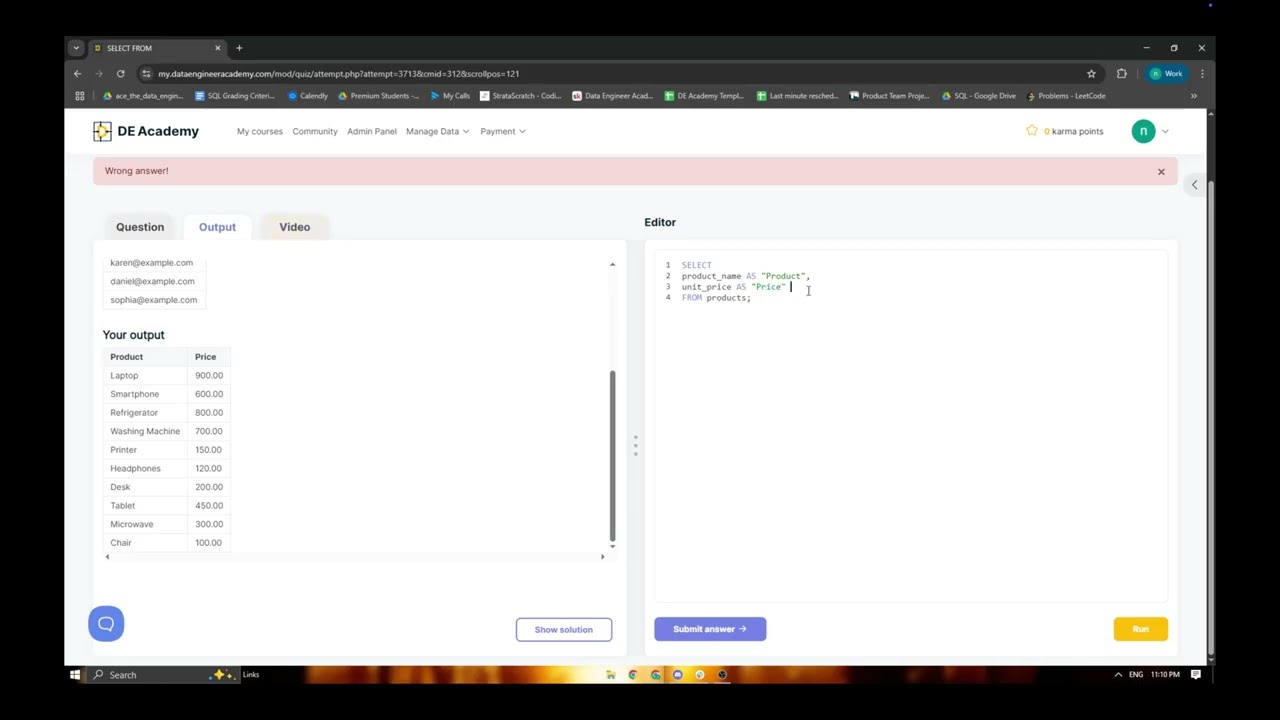
A SQL query asks a database for information. Starting with a Customers table, you’ll see how SELECT names the fields to return and FROM identifies the table to read. The results contain the information you requested; the query does not change the original table. You’ll also learn when SELECT * can help you inspect a table, and why selecting only the columns you need makes a more focused request.
The walkthrough covers checking the database connection and exact table and column names, running a query with Execute or F5 in SQL Server Management Studio, and using WHERE conditions such as City = 'Berlin'. It introduces AND, OR, IN, parentheses, numeric comparisons, TOP for a short sample, and ORDER BY with ASC or DESC. SQL syntax can vary between database systems, so the row-limiting example uses TOP and you should check the syntax supported by your database.
Topics covered:
• The basic SELECT and FROM query pattern
• How table rows and columns represent data
• Selecting specific columns or every column with *
• Running a query in SQL Server Management Studio
• Filtering rows with WHERE, AND, OR, and IN
• Using TOP to return a short sample
• Sorting results with ORDER BY, ASC, and DESC













Share this link via
Or copy link