Description:
Hello everyone!
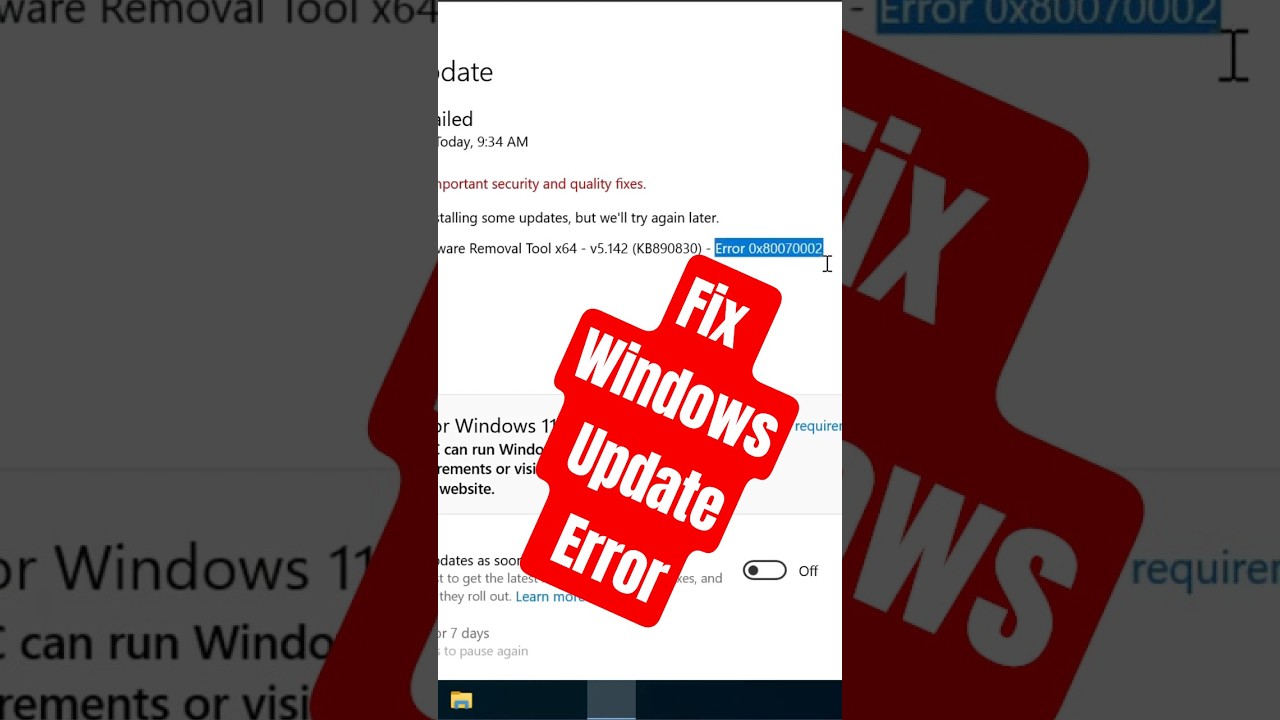
Are you getting Windows Update Error 0x80248007?
Here are four easy fixes you can try.
Method 1
Press Windows + R.
Type services.msc and press Enter.
Find Windows Installer.
Right-click it and click Start.
Now try Windows Update again.
Method 2
In the same Services window, find Windows Update.
Right-click it and choose Restart.
Then check for updates again.
Method 3
Open Setting.
Go to Update & Security.
Click Troubleshoot.
Then open Additional troubleshooters.
Select Windows Update.
Click Run the troubleshooter.
Wait for Windows to find and fix any problems.
Method 4
Open File Explorer.
Go to:
C:\Windows\SoftwareDistribution
Open the Data Store folder and delete all files inside.
Then open the Download folder and delete all files inside.
Restart your computer.
Now check for Windows updates again.
One of these methods should fix Windows Update Error 0x80248007.
If this video helped you, don't forget to like the video and subscribe for more Windows tips and tutorials!
#Windows11 #Windows10 #WindowsUpdate #UpdateError #0x80248007 #WindowsTips #TechTips #ComputerTips #WindowsTutorial #PCFix
















Share this link via
Or copy link