Description:
Learn how to upload videos on YouTube the right way! Get a personalized growth plan for your channel in 2 minutes – take our FREE Creator Quiz ???? http://mycreatorquiz.com
⭐️ Our free YouTube growth class reveals 3 essential secrets we're using to get more views, subscribers, and income—watch here ➡️ http://ThinkMasterclass.com
This video is NOT sponsored. Some product links are affiliate links which means if you buy something we'll receive a small commission.
=============================
All Products and Gear Mentioned in this video
=============================
????Take the Free YouTube Growth Assessment here https://mycreatorquiz.com/
===========================
Connect with us!
=============================
Tik Tok: ➡︎ https://www.tiktok.com/@thinkmediaofficial/
IG: ➡︎ https://www.instagram.com/officialthinkmedia/
===========================
Subscribe and Listen to the Think Media Podcast HERE:????
===========================
➡︎YT: @ThinkMediaPodcast
➡︎Apple: https://apple.co/2F3tmIS
➡︎Spotify: https://spoti.fi/36qevE8
⏰ Timecodes ⏰
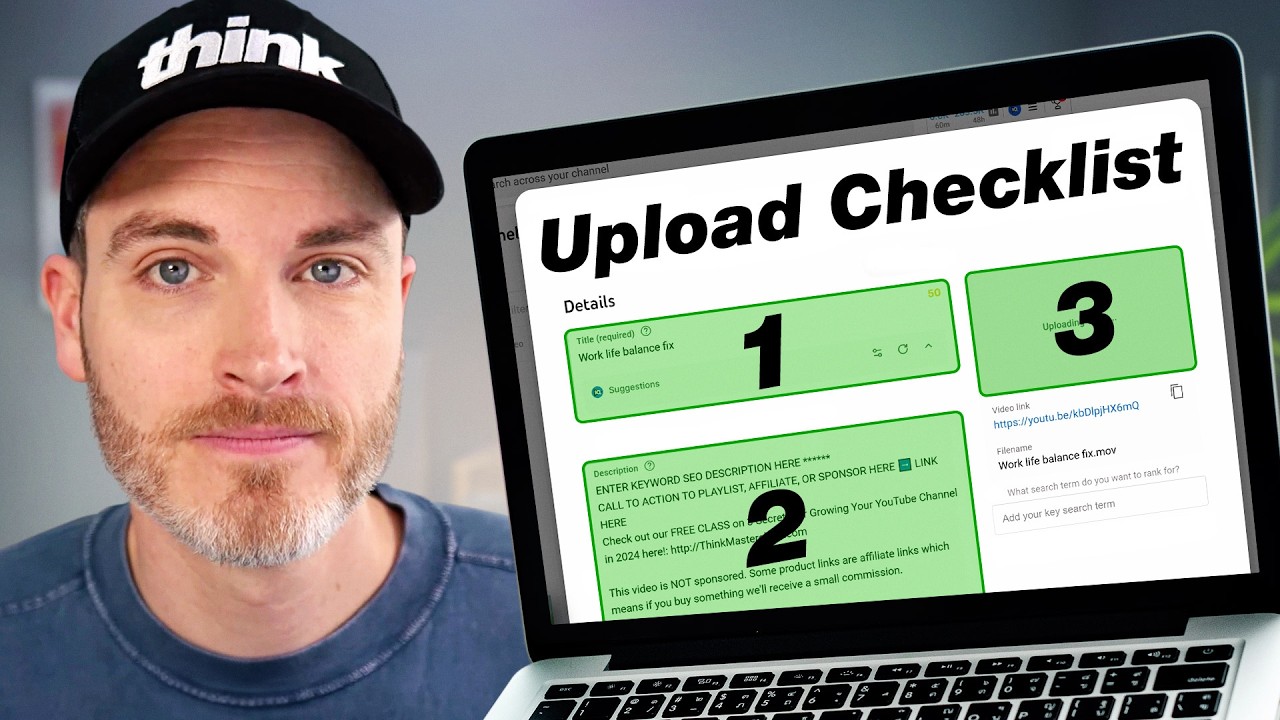
0:00 - How to Upload a YouTube Video (Step-by-Step)
0:40 - How to Title a YouTube Video
2:06 - YouTube Thumbnails & Visual Congruency
2:30 - YouTube Description Ideas & Call to Actions
5:42 - YouTube Playlists: How to Increase Session Time
6:24 - YouTube Altered Content: Yes or No? (AI Settings)
7:03 - YouTube Chapters: Manual vs. Automatic
7:29 - How to Add Tags to YouTube Videos
8:45 - YouTube Monetization Settings Explained
9:18 - YouTube End Screens & Video Elements
9:50 - How to Schedule a YouTube Video Upload
11:34 - YouTube Launch Plan: What to Do After Publishing
===========================
Here are the ways to work with us here at Think Media:
===========================
⚡️FREE CLASS: Watch our FREE YouTube class here: ➡︎ http://ThinkMasterclass.com
⚡️BOOK: Check out the #1 best-selling book YouTube Secrets here: ➡︎ https://ytsecrets.com/
⚡️For Support inquires, or Business inquiries, please go to ➡︎ http://ThinkMediaSupport.com
⚡️Join our YouTube Course & Community TODAY with this special limited-time bundle at: http://joinvra.com
===========================
Connect with Sean Cannell on Social Media:
===========================
➡︎https://www.linkedin.com/in/seancannell/
➡︎https://twitter.com/seancannell
➡︎https://instagram.com/seancannell
===========================
What We Use For Music:
===========================
???? Get a 7-day free trial for new personal and commercial plan here! ➡️ http://thinkmediasounds.com
===========================
In-Depth Channel Analytics and Ideas
===========================
Get a 30-Day trial of vidIQ's Boost plan for just $1 here: ???? http://vidiq.com/think
===========================
#thinkmedia #seancannell #youtubetips
If you've been wondering how to upload videos on YouTube without killing your channel's momentum, this complete publish checklist covers everything. YouTube coach Nathan Eswine breaks down exactly how to post a video on YouTube step-by-step so the algorithm works for you instead of against you.
Uploading videos to YouTube is more than just clicking the publish button. From the moment you pick your file, YouTube gives you dozens of different settings to choose from. In this guide, we cover everything you need to know: from brainstorming YouTube description ideas and thumbnails, to exactly how to add tags to your YouTube video properly. We will also show you how to schedule a YouTube video upload for maximum impact, handle your monetization settings, and build a post-publish launch plan to keep your audience engaged.
Our mission here at Think Media is to help purpose-driven entrepreneurs go full-time doing what they love and making an impact through the power of video.
Disclaimer: Please see the link for our disclaimer policy for all of our videos on the Think Media and Think Media Podcast YouTube channels. https://go.thinkmedia.com/youtube-disclaimer
















Share this link via
Or copy link