Description:
Google Sheets Text Joining: CONCATENATE vs CONCAT vs Ampersand (&) + TEXT Formatting
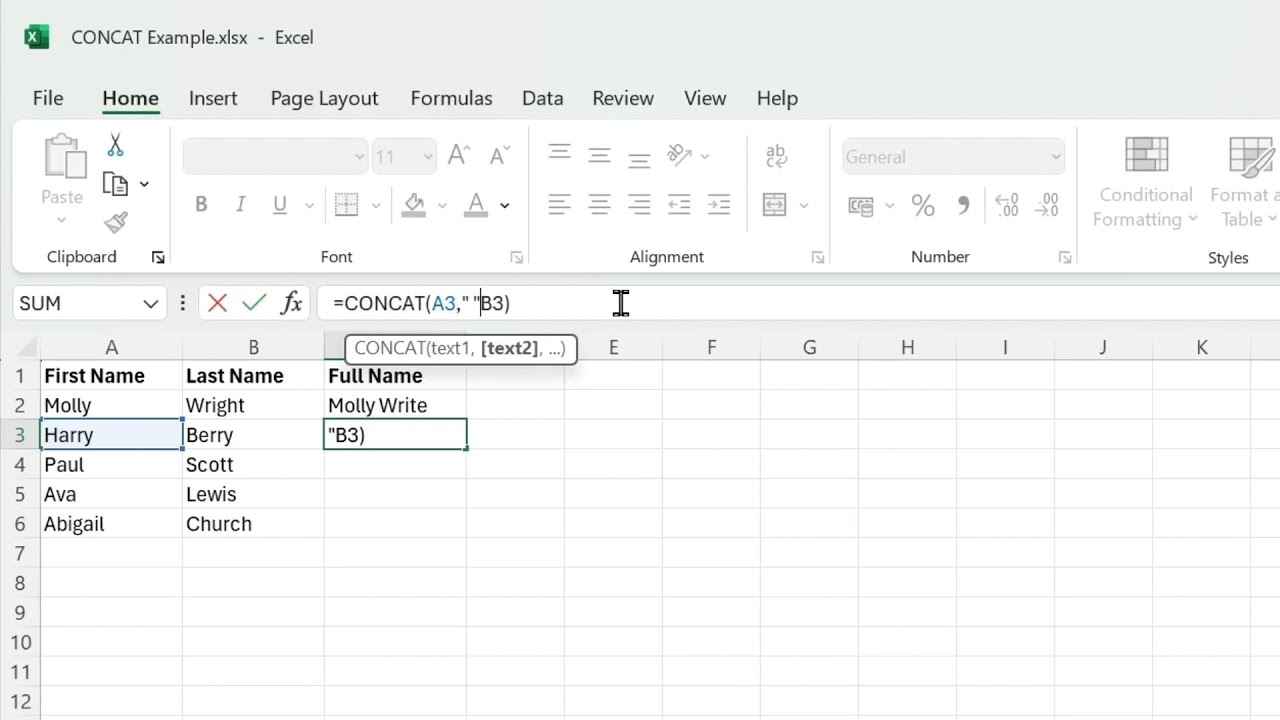
This episode explains how to combine text in Google Sheets using CONCATENATE, CONCAT, and the ampersand (&) operator. It shows how to build a full name by joining first and last names and inserting a space with quoted text, then demonstrates creating an ID by concatenating first name, an underscore, and last name, and creating an email address by appending a domain. It compares CONCATENATE and CONCAT and notes they are largely interchangeable, then presents using & as a simpler alternative for combining text. It also covers how combining numbers with text can remove formatting and shows using the TEXT function with a custom format string to restore currency formatting before adding words like “dollars.”
00:00 Concat Basics
00:19 Full Name With Space
01:08 CONCAT vs CONCATENATE
01:16 Build IDs and Emails
02:03 Ampersand Shortcut
02:44 Formatting Numbers as Text
03:45 Wrap Up and Subscribe



















Share this link via
Or copy link