Description:
Fix WARDOGS Bluescreen Error SYSTEM_THREAD_EXCEPTION_NOT_HANDLED (0x7E),Fix WARDOGS BSOD Error KMODE_EXCEPTION_NOT_HANDLED
Step 2) Turn off all virtualization like: Hyper-V, Sandbox Windows, low level virtualization engine etc. and then restart PC
Optionalfeatures
Hyper-V
Hyper-V Management Tools
Hyper-V Platform
Virtual Machine Platform
Windows Hypervisor Platform
Windows Sandbox
bcdedit /set hypervisorlaunchtype off
Once done playing the game enable it
bcdedit /set hypervisorlaunchtype auto
Step 4) Old kernel-level hardware/RGB driver called inpoutx64.sys may be the cause
inpoutx64.sys can be installed on your system by Gigabyte RGB Fusion ,Corsair iCUE ,older CPU-Z components or other RGB/fan/motherboard utilities
sc.exe query inpoutx64
sc.exe stop inpoutx64
sc.exe config inpoutx64 start= disabled
sc.exe start inpoutx64
sc.exe config inpoutx64 start= auto
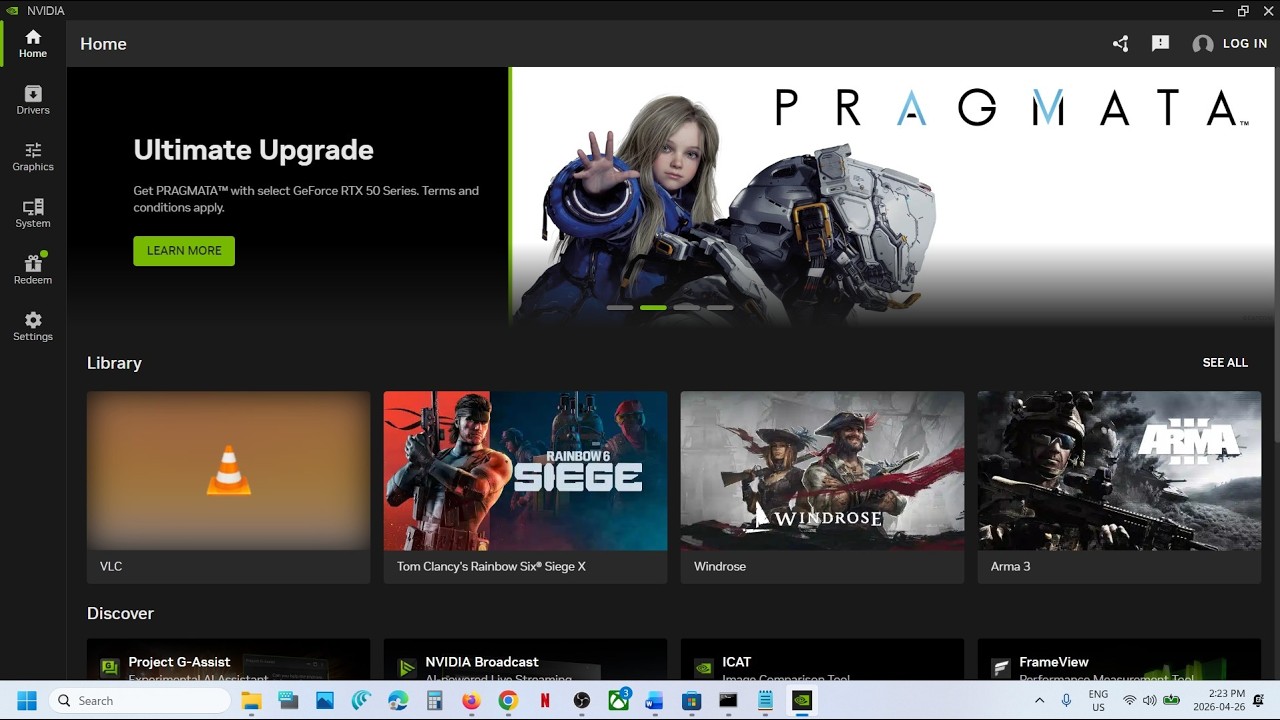
Step 9) Update Graphics driver
https://www.nvidia.com/Download/index.aspx?lang=en-us












Share this link via
Or copy link