Description:
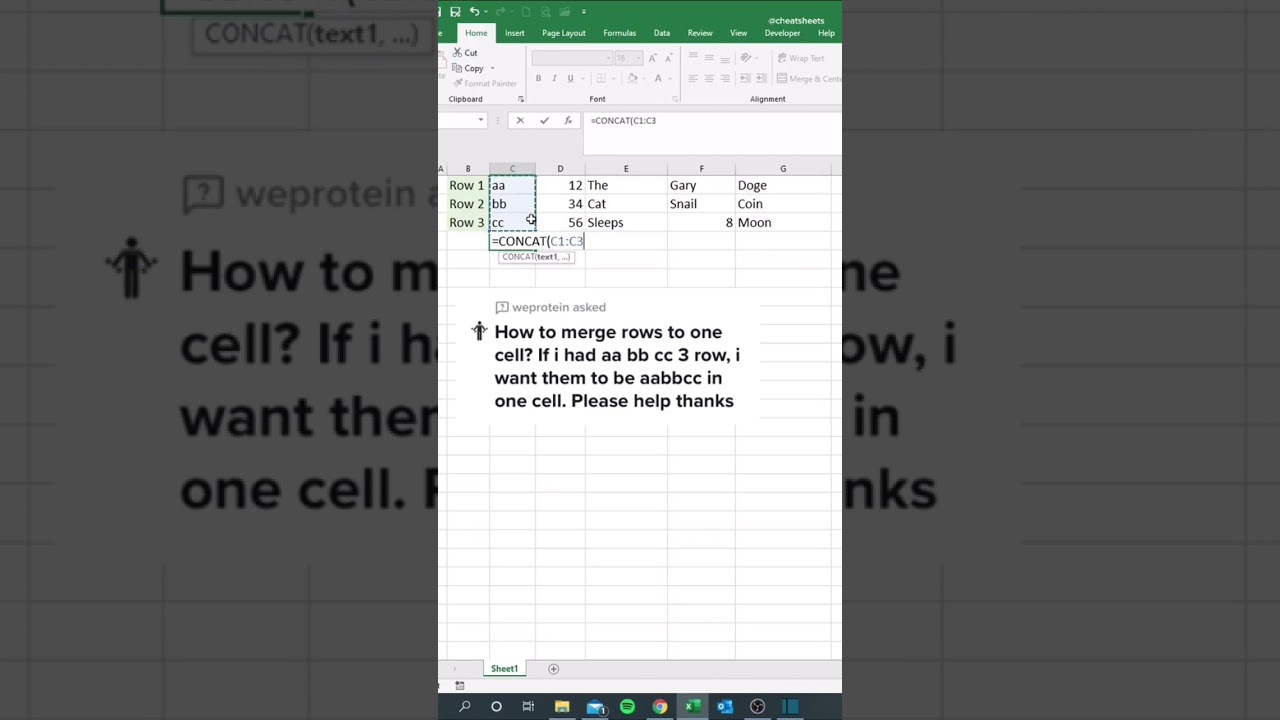
How to Concatenate Text with TEXTJOIN ????
Step 1. Type in =TEXTJOIN(
Step 2. Type the delimiter (the character to insert between each text item) surrounded by double quotes. We chose a comma followed by a space “, “
Step 3. Type TRUE to ignore empty cells, otherwise FALSE.
Step 4. Select the range of cells to be joined.
Don't waste time spending countless hours on manual, repetitive tasks in Excel ????
Join Miss Excel's FREE Masterclass to learn all of her favorite tips & tricks. In this fun power-packed 1 hour session, you'll learn her secret hacks for optimizing your data visualization skills to save you hours each week!
Limited spots available! Register at our link on channel page! ????
#excel #exceltips #exceltricks #spreadsheets #corporate #accounting #finance #workhacks #tutorials















Share this link via
Or copy link