Description:
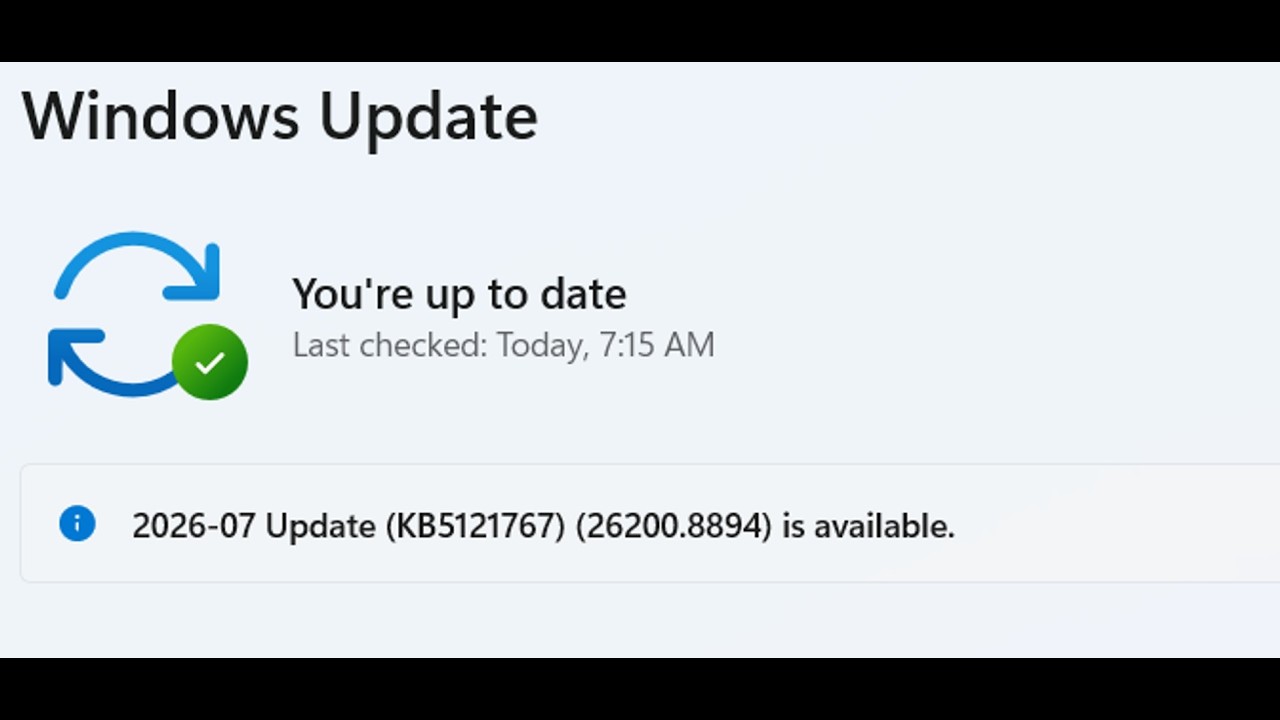
How To Fix Windows 11 Update KB5083769/KB5082417 Error Codes 0x800f081f/0x800f0991/0x80070306, Fix Update KB5083769/KB5082417 Not Installing Error Code 0x800f081f/0x800f0991/0x80070306 Windows 11
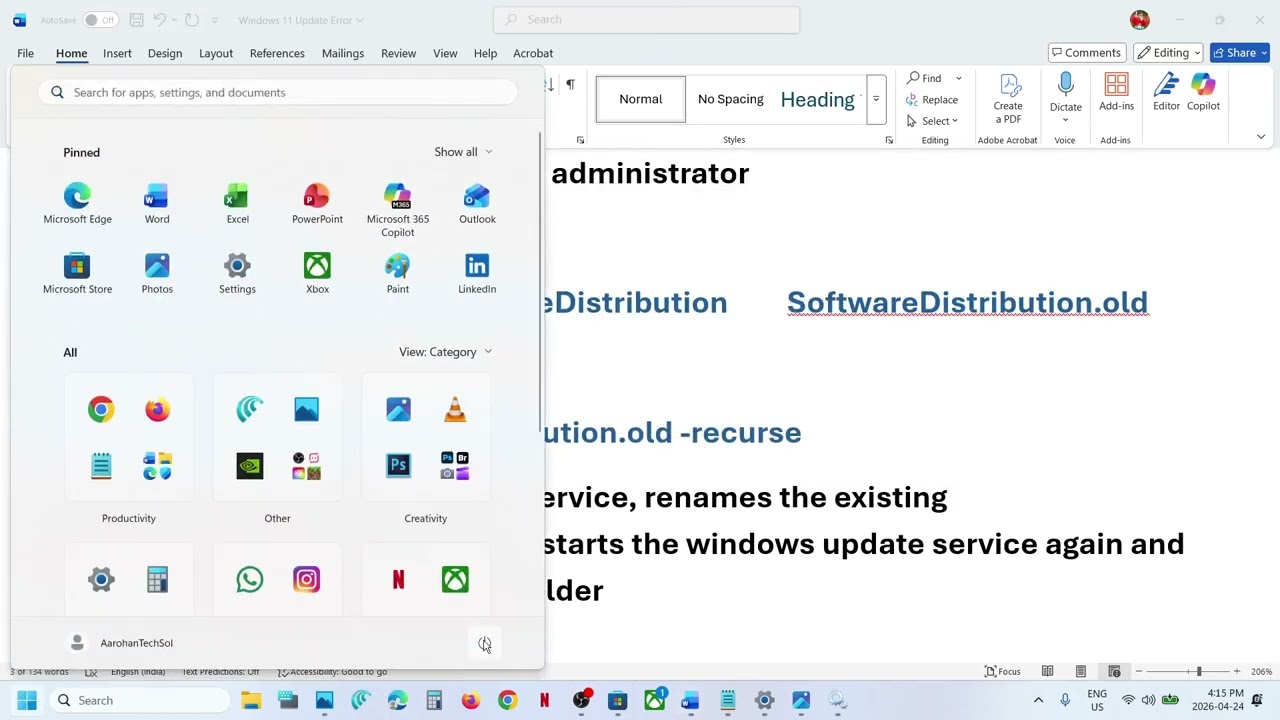
Step 3) Run Windows PowerShell as administrator
net stop wuauserv
Rename-Item C:\Windows\SoftwareDistribution SoftwareDistribution.old
net start wuauserv
Rmdir C:\Windows\SoftwareDistribution.old -recurse
This will stop the windows update service, renames the existing SoftwareDistribution folder to .old, starts the windows update service again and make a new SoftwareDistribution folder
Step 4) Run SFC & DISM Command
sfc /scannow
Dism /Online /Cleanup-Image /RestoreHealth
DISM /Online /Cleanup-Image /StartComponentCleanup
Step 5) Use Microsoft Update Catalog
https://www.catalog.update.microsoft.com/Home.aspx
Step 8) Use Media Creation Tool
https://www.microsoft.com/en-us/software-download/windows11
















Share this link via
Or copy link