Description:
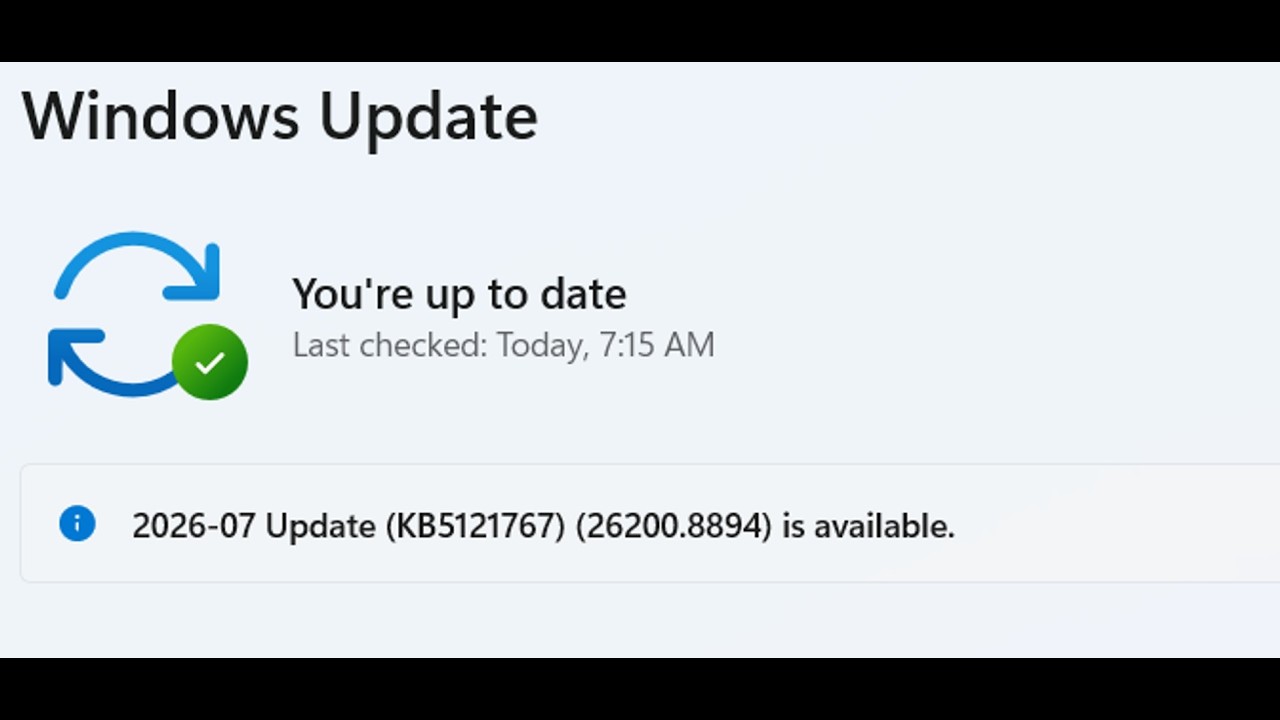
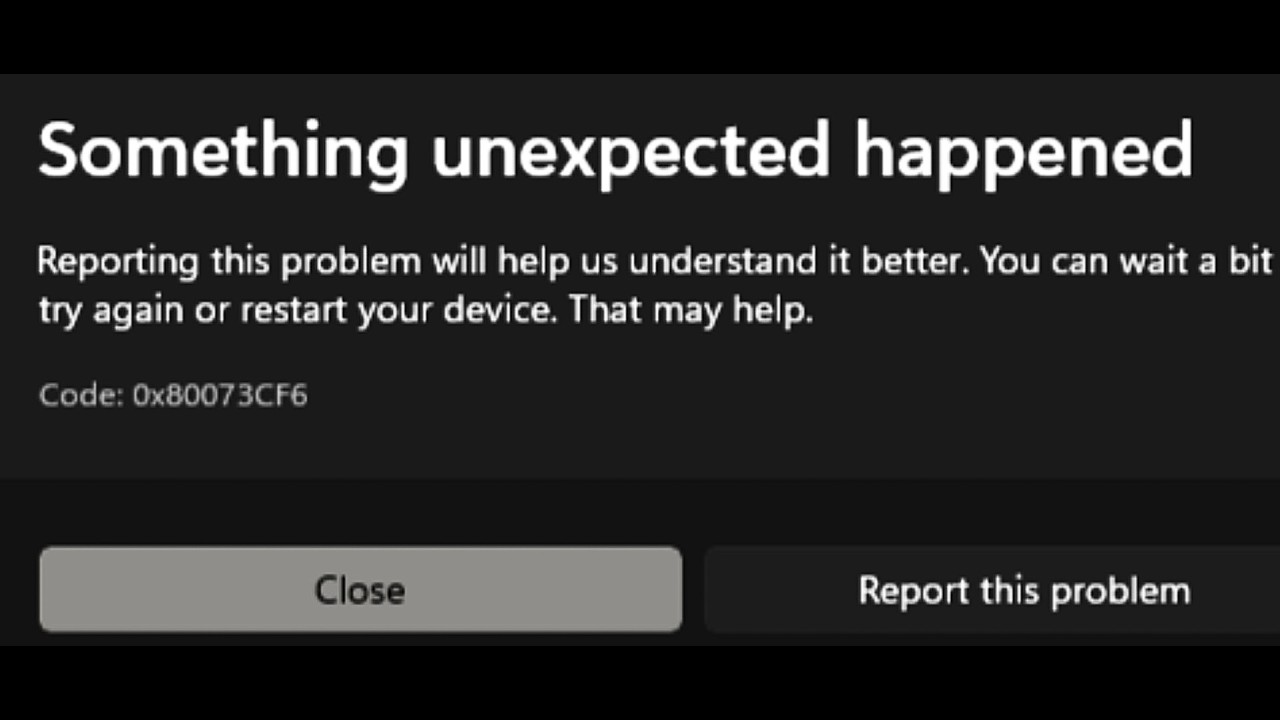
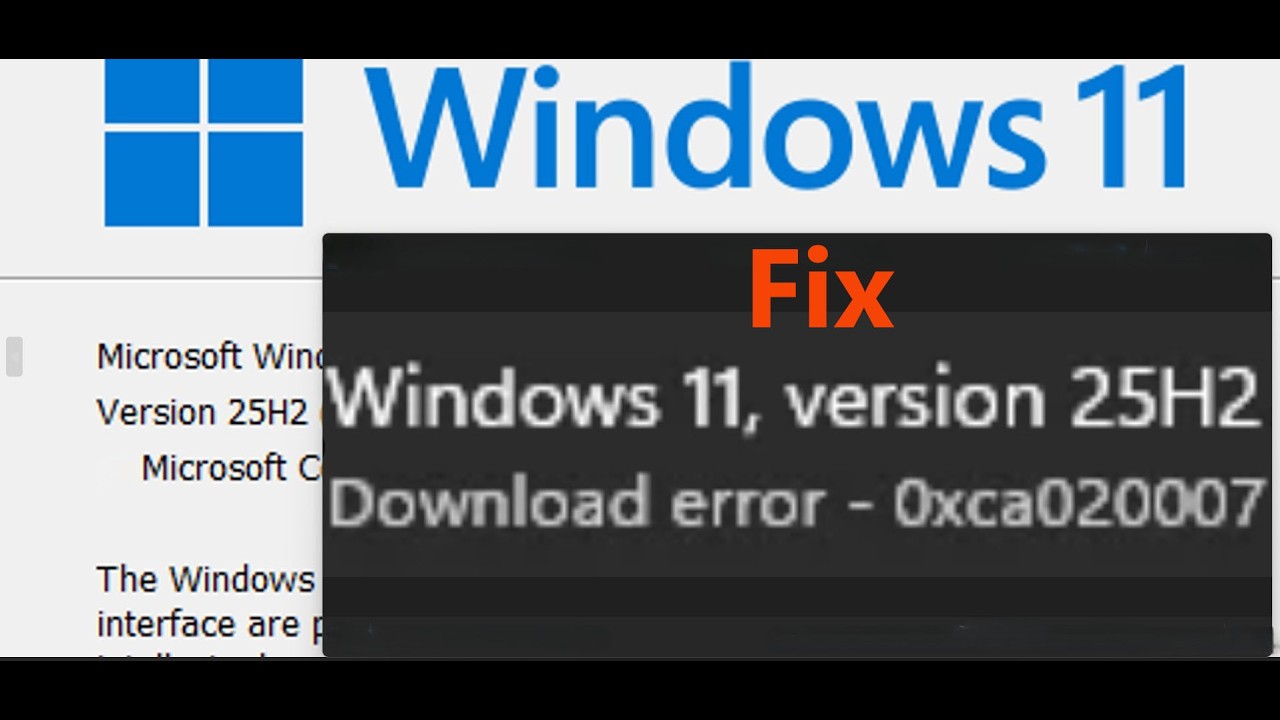
Fix Version 25H2 Not Installing Error Code 0x80070003 We Couldn't Install This Update, Fix Version 25H2 Not Installing Error Code 0x80070003 Some Update Files Are Missing
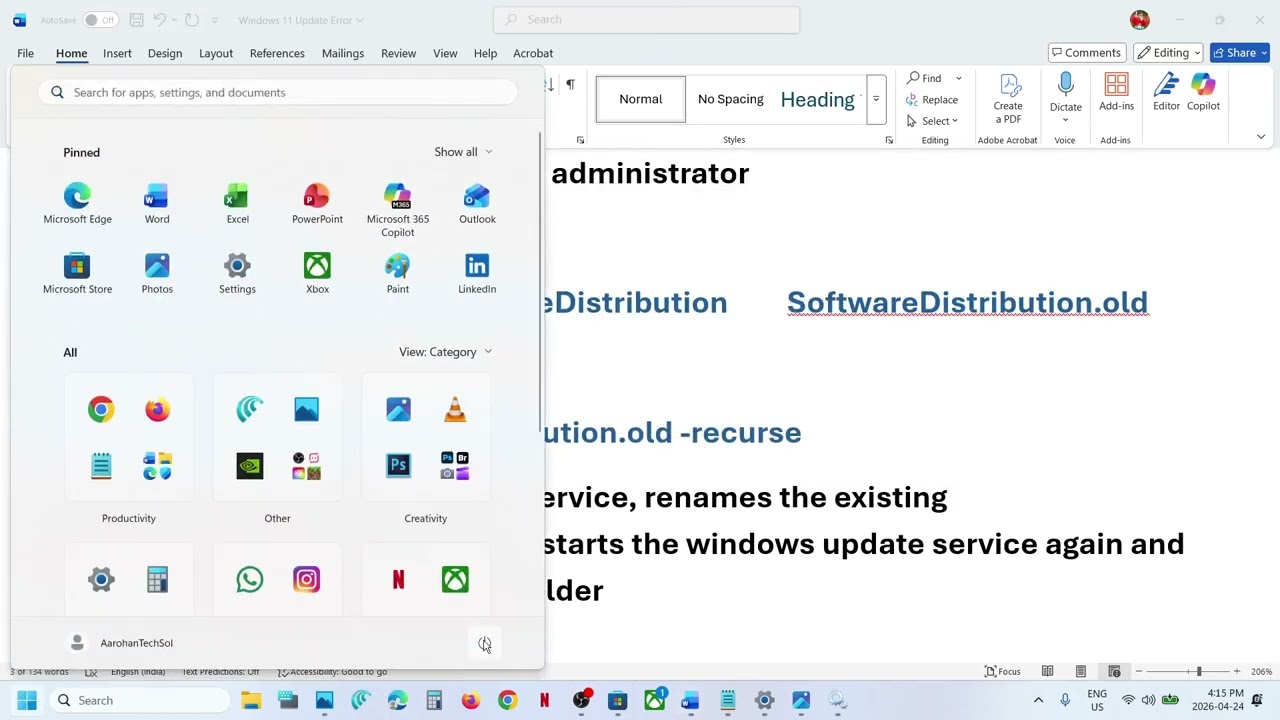
Step 1) Run Windows PowerShell as administrator
net stop wuauserv
Rename-Item C:\Windows\SoftwareDistribution SoftwareDistribution.old
net start wuauserv
Rmdir C:\Windows\SoftwareDistribution.old -recurse
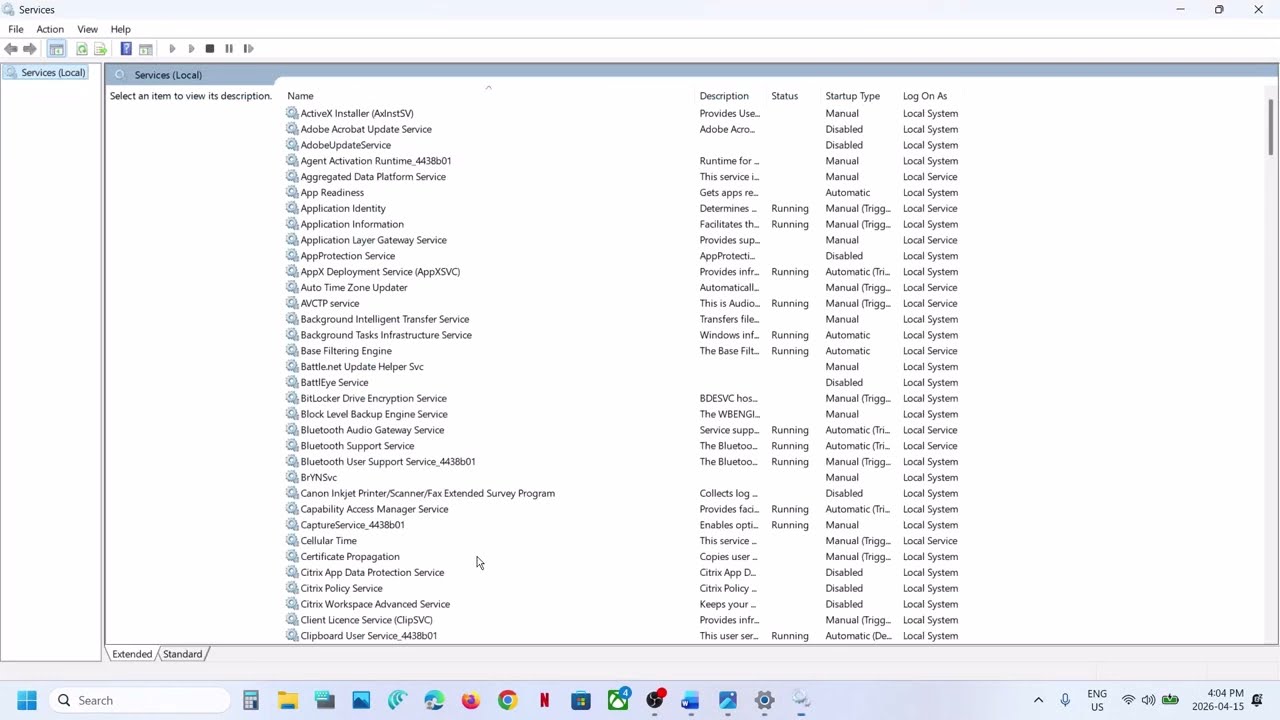
This will stop the windows update service, renames the existing SoftwareDistribution folder to .old, starts the windows update service again and make a new SoftwareDistribution folder
Step 4) Run SFC & DISM Command
sfc /scannow
Dism /Online /Cleanup-Image /RestoreHealth
DISM /Online /Cleanup-Image /StartComponentCleanup
Step 5) Use Windows 11 Installation Assistant
https://www.microsoft.com/en-us/software-download/windows11
Step 8) Use Media Creation Tool
https://www.microsoft.com/en-us/software-download/windows11










Share this link via
Or copy link