Description:
Error 0x800F081F translates to:
“The source files could not be found.”
During installation, Windows Update tries to locate required system components and update files. If those files are missing or inaccessible, the update fails.
⸻
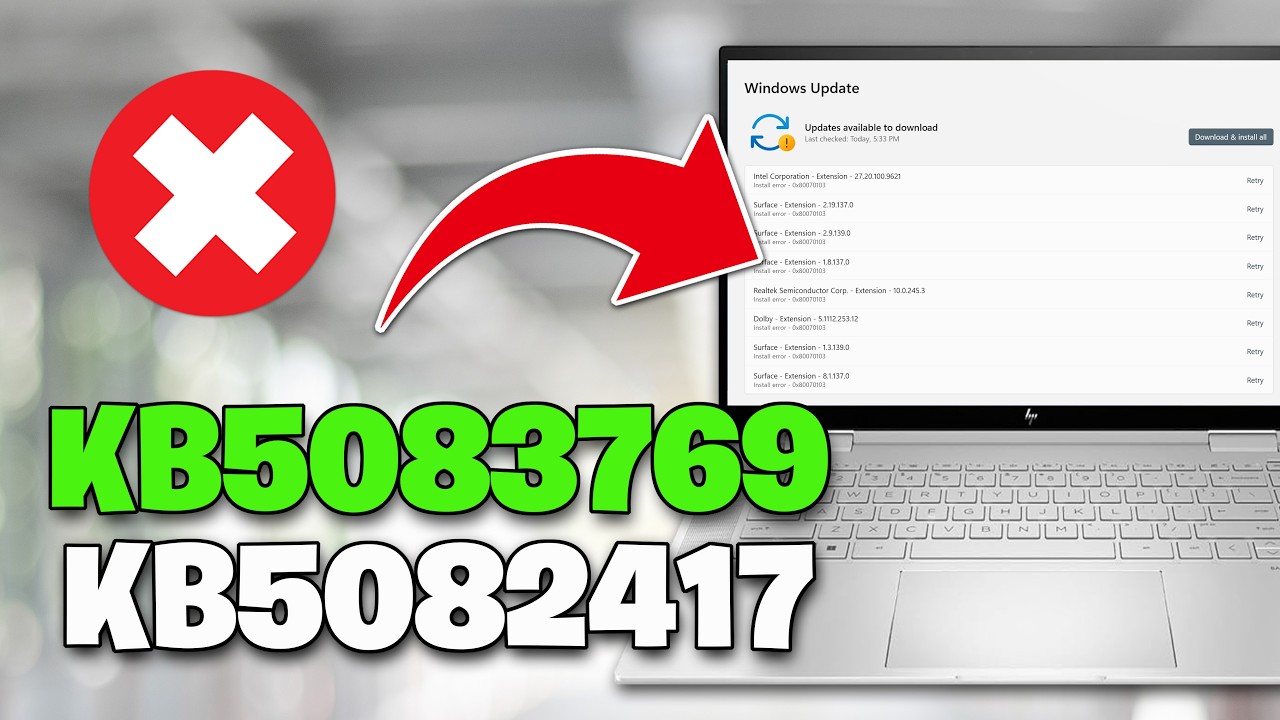
Common Causes of KB5083769 Error 0x800F081F
1. Missing or Outdated Servicing Stack Update (SSU) (Primary Cause)
Cumulative updates like KB5083769 depend on a working Servicing Stack Update.
If the SSU is:
- Missing
- Outdated
- Partially installed
Windows cannot process the update.
⸻
2. Corrupted WinSxS Component Store
The WinSxS folder contains system components and update manifests.
If it contains:
- Missing .mum or .cat files
- Corrupted package metadata
- Inconsistent component references
Windows cannot locate the required source files.
⸻
3. Missing Prerequisite Updates
If previous cumulative or security updates were:
- Skipped
- Failed
- Not fully installed
KB5083769 may not find the dependencies it needs.
Copy and Paste This:
net stop bits
net stop wuauserv
net stop appidsvc
net stop cryptsvc
Del "%ALLUSERSPROFILE%\Application Data\Microsoft\Network\Downloader\*.*"
rmdir %systemroot%\SoftwareDistribution /S /Q
rmdir %systemroot%\system32\catroot2 /S /Q
regsvr32.exe /s atl.dll
regsvr32.exe /s urlmon.dll
regsvr32.exe /s mshtml.dll
netsh winsock reset
netsh winsock reset proxy
net start bits
net start wuauserv
net start appidsvc
net start cryptsvc
▬▬▬▬▬▬▬▬▬▬▬▬▬▬▬▬▬▬▬▬▬▬▬▬▬▬▬▬
》 CHAPTERS 《
00:00 Intro
00:22 Solution 1
01:17 Solution 2
02:21 Solution 3
03:34 Solution 4
04:14 Solution 5
05:39 Solution 6
05:31 Outro





















Share this link via
Or copy link