Description:
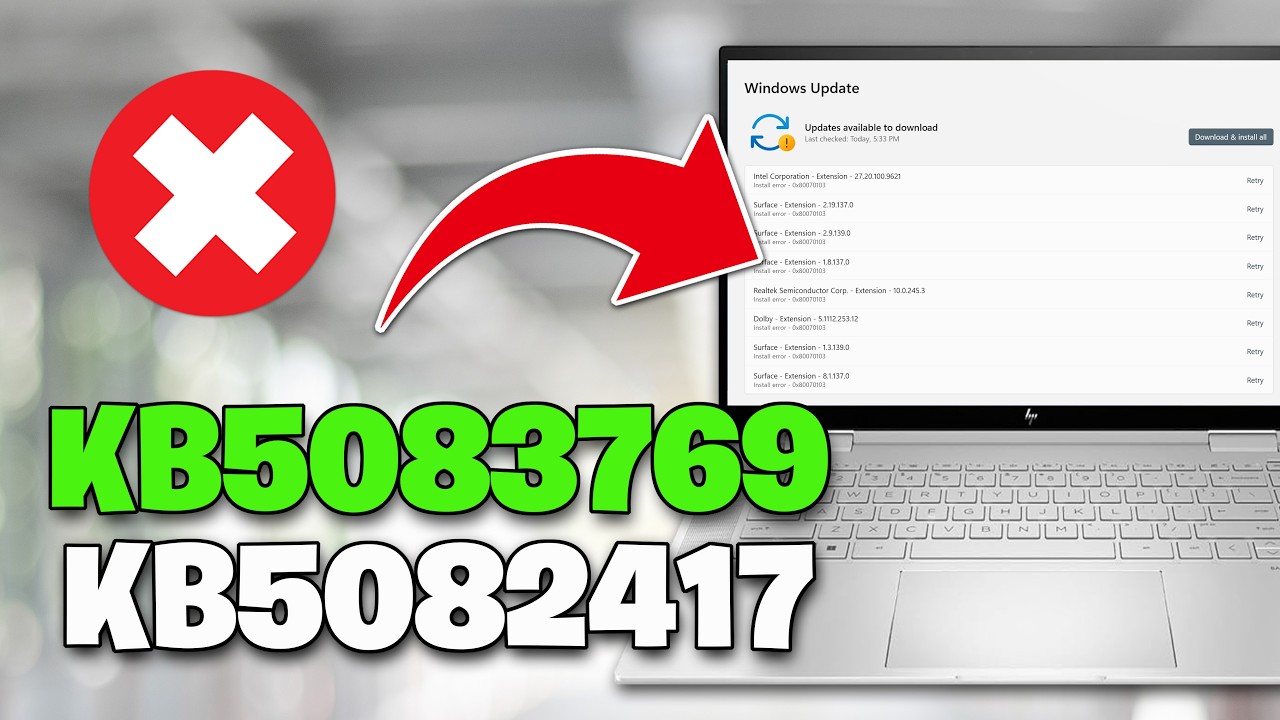
The 0x800f0982/0x800f0900/0x8024200d error code in Windows Update typically indicates issues related to the component store, system files, or language packs that prevent the update process from completing successfully. The error specifically points to a problem within the update framework itself, often stemming from underlying system inconsistencies or corruption rather than a simple download failure.
In plain terms: KB5083769's CBS engine tries to locate a specific component or component version in the WinSxS store to stage the update's changes against, and that component cannot be found. The staging phase — which happens before any files are written to the live system — fails completely, and the update is aborted.
CHAPTERS
00:00 Intro
00:14 Solution 1
01:05 Solution 2
03:03 Solution 3
04:01 Solution 4
05:20 Solution 5
Copy and Paste this:
net stop bits
net stop wuauserv
net stop appidsvc
net stop cryptsvc
Del "%ALLUSERSPROFILE%\Application Data\Microsoft\Network\Downloader\*.*"
rmdir %systemroot%\SoftwareDistribution /S /Q
rmdir %systemroot%\system32\catroot2 /S /Q
regsvr32.exe /s atl.dll
regsvr32.exe /s urlmon.dll
regsvr32.exe /s mshtml.dll
netsh winsock reset
netsh winsock reset proxy
net start bits
net start wuauserv
net start appidsvc
net start cryptsvc















Share this link via
Or copy link