Description:
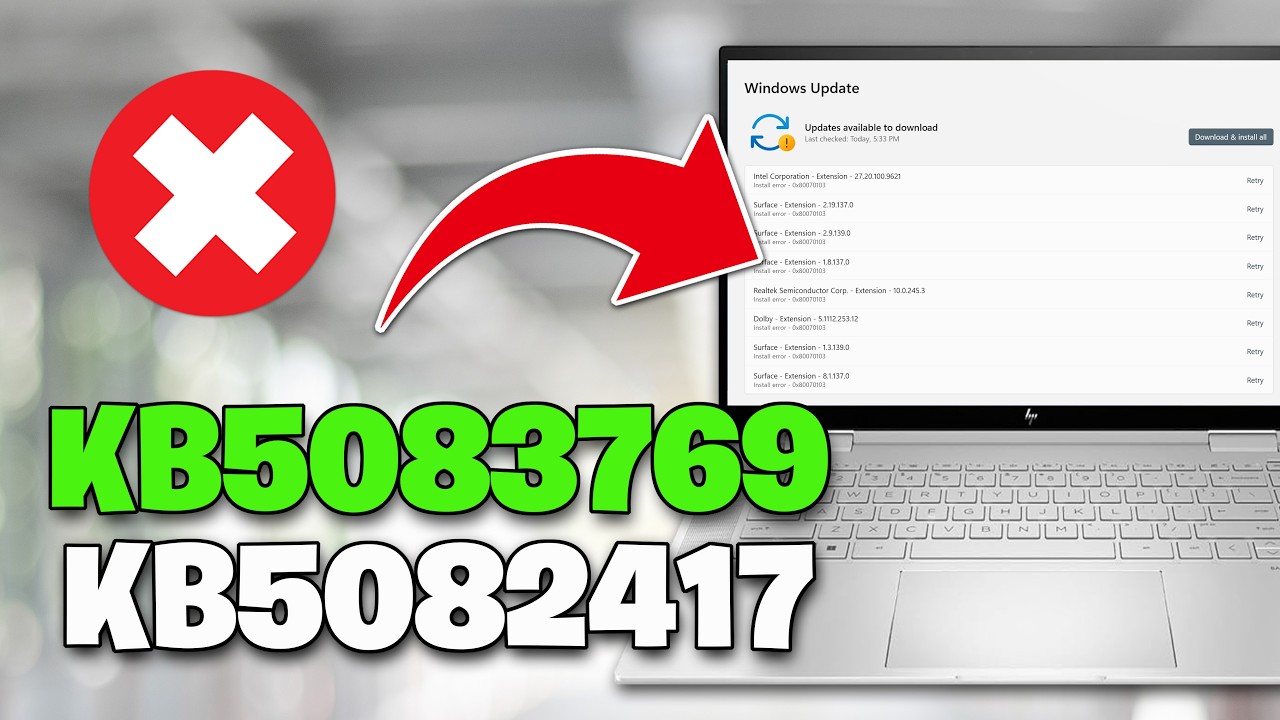
Error 0x80070003 maps to ERROR_PATH_NOT_FOUND — "The system cannot find the path specified." When this issue occurs during a Windows update or upgrade, the update cannot install correctly. After the computer restarts, the installation rolls back. The accompanying error message reads: "Some update files are missing or have problems. We'll try to download the update again later. Error code: (0x80070003)." This error typically means that driver files are missing or inaccessible.
▬▬▬▬▬▬▬▬▬▬▬▬▬▬▬▬▬▬▬▬▬▬▬▬▬▬▬▬
》 CHAPTERS 《
00:00 Intro
00:21 Solution 1
01:24 Solution 2
03:18 Solution 3
04:12 Solution 4
05:14 Solution 5
























Share this link via
Or copy link